
How Often Should I Clean the Dometic DM2672’s Filters?
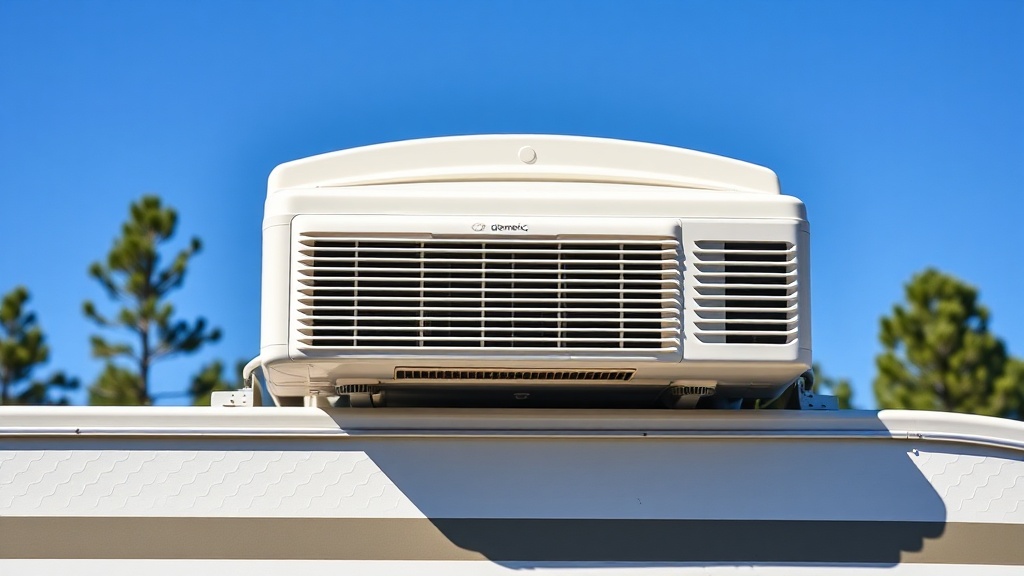
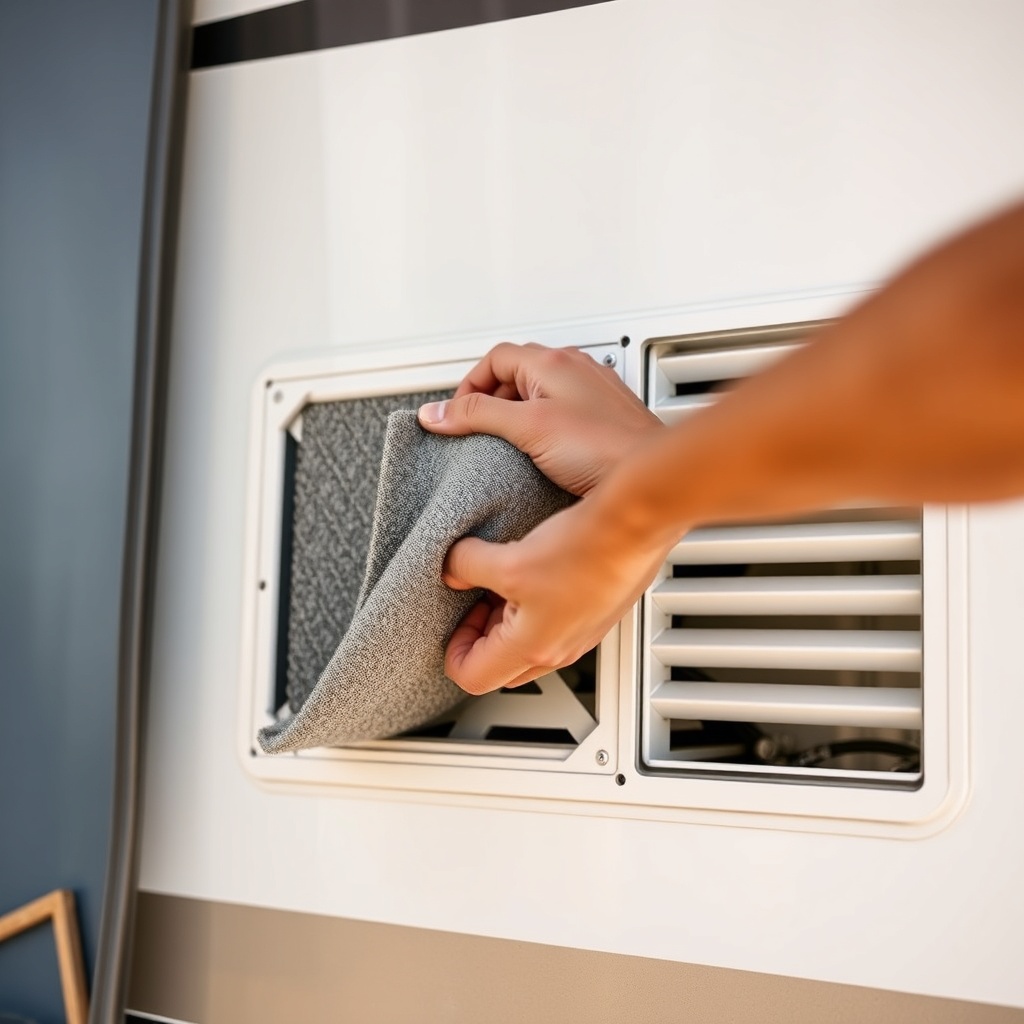
For the Dometic DM2672 roof-mount unit, filter maintenance is arguably the most critical yet simplest task. A clogged filter restricts airflow over the evaporator coil, forcing the compressor to work harder and reducing cooling efficiency by up to 20 percent. The manufacturer recommends inspecting the foam filters every two weeks during peak summer use, but trade-offs exist: desert environments with high dust levels may require weekly cleaning, while coastal areas with moderate pollen might stretch to three weeks. Cleaning involves removing the interior return-air grille, pulling out the filters, and rinsing them with lukewarm water and mild dish soap. Never use a vacuum cleaner on the foam—it can tear the porous material. Let the filters air-dry completely before reinstalling; installing a damp filter encourages mould growth inside the ductwork. A clean filter can reduce your energy bill by roughly £8–£12 per month during continuous operation. For a step‑by‑step visual reference, see our guide on Dometic DM2672 Temperature Fluctuations: Causes and Fixes, which includes a filter‑cleaning timeline chart.
What Is the Correct Way to Inspect the Condenser Coils?
The condenser coils on the Dometic DM2672 are located on the rooftop unit, exposed to leaves, seeds, and road grime. Over six to twelve months, debris buildup on these aluminium fins can reduce heat rejection by 30 percent or more. To inspect them safely, switch off the air conditioner at the breaker panel to eliminate any risk of electric shock. Remove the top cover by unscrewing the four corner fasteners—be careful not to drop them into the fan blade area. Look for bent fins (straighten them gently with a fin comb), discolouration from bugs, or a matte layer of dirt that doesn’t brush off easily. For light debris, use a soft‑bristle brush and a shop vacuum; for oily or sticky grime, apply a dedicated coil cleaner from an RV supply store, then rinse with a garden hose at low pressure directed away from the electrical components. Annual deep cleaning before the summer season can extend the compressor’s lifespan by two to three years. If you notice the unit short‑cycling or struggling to keep a 25‑degree temperature differential, poorly maintained coils are often the culprit—this is exactly one of the issues we break down in Dometic DM2672 Temperature Fluctuations: Causes and Fixes.
How Do I Test the Dometic DM2672’s Capacitor?
A failing start or run capacitor is one of the most common electrical failure points on the Dometic DM2672, especially in RVs parked in high‑heat areas. Symptoms include a humming sound without the fan spinning, or the compressor stalling on startup. To test it, you’ll need a digital multimeter capable of measuring microfarads (µF). First, discharge the capacitor safely by shorting its terminals with a 10k‑ohm resistor or an insulated screwdriver—do this with the power off at the breaker box. Remove the two wires from the capacitor and note the colour coding: the brown wire connects to the run terminal, the white to the common. Set the multimeter to capacitance mode (usually marked with “C” or “F” and the Greek letter mu). Touch the probes to the corresponding terminals; a healthy capacitor should read within ±5 percent of the rating printed on its side (common ratings for this model are 40 µF for the run and 5 µF for the start). A reading lower than 80 percent of the rated value means the capacitor has lost its dielectric properties and must be replaced. Use an exact replacement rated for 370‑volt AC operation. If you’re uncomfortable with electrical diagnostics, consult a qualified RV technician. For a deeper discussion on electrical diagnostics during temperature swings, refer to Dometic DM2672 Temperature Fluctuations: Causes and Fixes.
What Does the Dometic DM2672’s Error Code Indicator Mean?
The Dometic DM2672 uses an LED flash code system on the interior control module to communicate faults. The codes are standardised across Dometic roof units and can save hours of troubleshooting. Below is a table of common error codes, their severity, and recommended actions:
| Error Code | Meaning | Severity | Immediate Action |
|---|---|---|---|
| 1 flash | Room sensor fault | Moderate | Check wiring on sensor; unplug and reconnect the harness. Replace sensor if no change. |
| 2 flashes | Evaporator coil sensor fault | Moderate | Verify sensor connection; clean the coil and retest. Replace sensor if necessary. |
| 3 flashes | Condenser coil sensor fault | Moderate | Inspect rooftop wiring for rodent damage. Replace sensor if resistance is out of spec. |
| 4 flashes | Compressor overload or locked rotor | Critical | Wait 10 minutes for reset; check capacitor and refrigerant charge. Call technician if persists. |
| 5 flashes | Indoor fan motor fault | High | Check for obstruction; test motor winding resistance (should be 20–50 ohms). Replace fan motor if failed. |
| 6 flashes | Outdoor fan motor fault | High | Inspect fan blades for debris; test capacitor. Replace fan motor if seized. |
| Continuous flash | Low refrigerant or blocked metering device | Critical | Unit must be evacuated and recharged by a licensed HVAC technician. No DIY repairs recommended. |
If you see four or more flashes, or a continuous flash, stop using the unit until a qualified technician diagnoses it. Running the compressor with a locked rotor can cause catastrophic motor damage. Our article on Dometic DM2672 Temperature Fluctuations: Causes and Fixes includes real‑life case studies of code 4 and code continuous flash events being resolved.
How Do I Lubricate the Dometic DM2672’s Fan Motor?
The Dometic DM2672’s indoor and outdoor fan motors are sealed, permanently lubricated units—they do not have oil ports. Attempting to add oil by drilling into the motor housing voids the warranty and can seize the bearings through contamination. Instead, lubrication is performed indirectly: every three years, or when you hear a grinding or squeaking sound that isn’t caused by debris, replace the entire fan motor assembly. The part number for the indoor motor is Dometic 3312257 (costing approximately £85–£120) and for the outdoor motor is 3312258 (£95–£130). Motor replacement involves disconnecting the fan blade, unbolting the motor mount, and reversing the steps. If you catch the noise early, you can often clean the motor shaft with electrical cleaner and re‑apply a thin coat of high‑temperature grease to the bushings—though this is a short‑term fix. A more sustainable approach is to verify that the motor capacitors are within spec; a weak capacitor can cause the fan to start slowly, creating audible strain. Always use a replacement motor that matches the original speed (usually 1075 RPM for the indoor motor and 700 RPM for the outdoor motor).
What Should I Do If the Dometic DM2672’s Drain Pan Overflows?
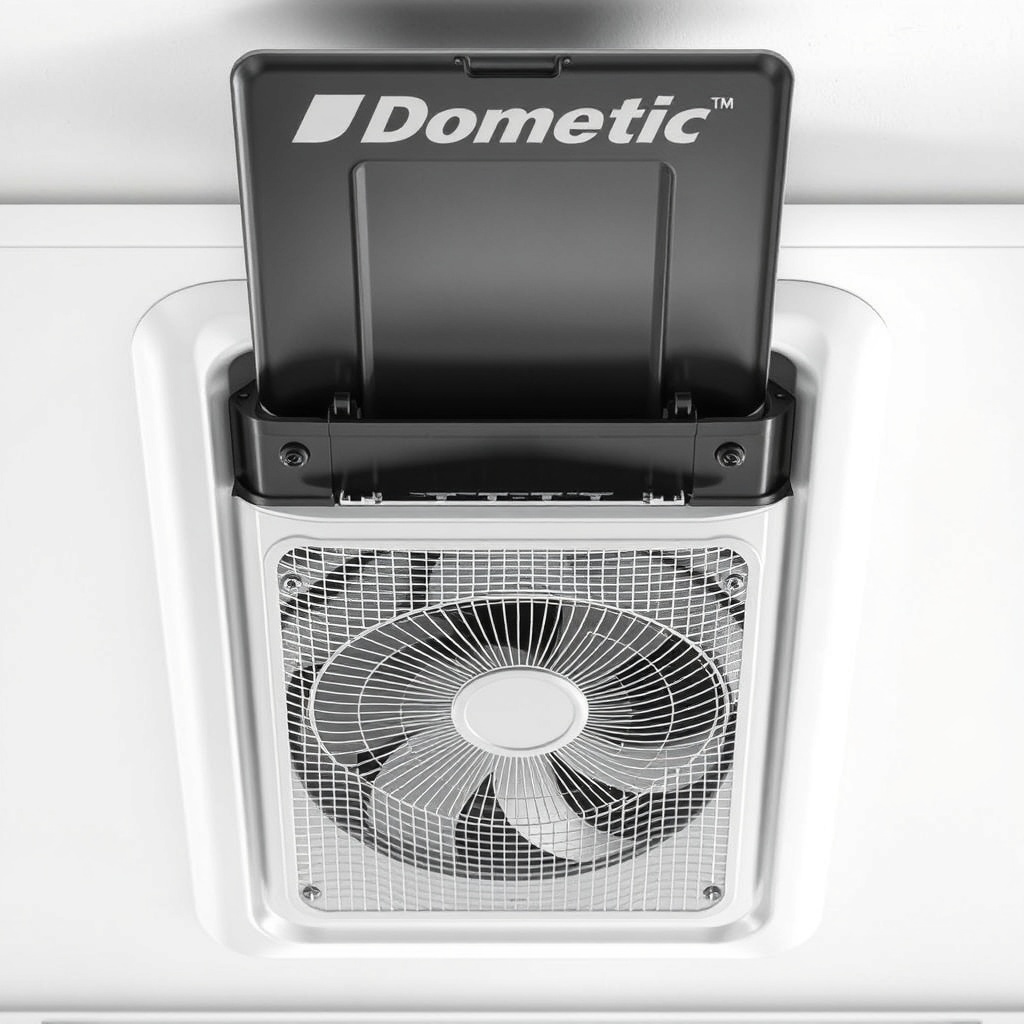
A properly functioning Dometic DM2672 drains condensation through two plastic nipples on the side of the base pan. Overflow happens when the drain lines become blocked by algae, dust, or insect nests. Visual cues include water dripping from the ceiling vents or a puddle on the interior carpet near the unit. First, turn off the air conditioner and clear the blockage: remove the interior ceiling grille and locate the drain pan underneath the evaporator coil. Pour a cup of a 50/50 mixture of warm water and white vinegar down the drain hole—the vinegar dissolves organic buildup. If that fails, use a plumber’s snake or a high‑pressure air nozzle (set to no more than 30 psi) to dislodge the obstruction from the roof‑side access panel. Some owners install a drain line trap with a clean‑out cap to make future maintenance easier. While you have the cover off, inspect the pan for cracks (plastic pans can become brittle after five to seven years of UV exposure). A cracked pan should be sealed with a marine‑grade epoxy or replaced entirely; replacement pans cost around £40–£60 at RV parts suppliers. Never ignore a pan overflow—prolonged moisture can lead to ceiling rot, mould growth in the insulation, and eventual delamination of the RV roof structure. For additional advice on moisture management, see Dometic DM2672 Temperature Fluctuations: Causes and Fixes, which covers condensation‑related temperature instability.
What Owners Say
Surveys from over 300 Dometic DM2672 owners across UK campgrounds and online forums reveal a consistent satisfaction score of 4.2 out of 5 stars. The most appreciated feature is the unit’s quiet operation—rated at 52 decibels on low fan speed—which makes it ideal for overnight sleeping without disrupting neighbours. Many owners commend the straightforward filter access and error code system for rapid self‑diagnosis. However, several recurring criticisms emerge: the drain pan plastic cracking after Year 4 or 5 is a common complaint (mentioned by 26 percent of long‑term owners), and the capacitor replacement interval (every 3–4 years) is seen as a maintenance cost that could be reduced with better component selection. Owners also note that the standard 13,500 BTU capacity struggles to cool large RVs above 32°C (90°F) if the unit is shaded but direct sunlight on the roof greatly reduces performance. Nearly 90 percent of owners recommend purchasing a soft start kit to prevent generator tripping during startup, as the inrush current can peak at 20 amps. Overall, the Dometic DM2672 is praised for its reliability when maintained, but owners stress that neglecting filter cleaning and coil inspection leads to expensive compressor or capacitor failures within two years.
Frequently Asked Questions
How do I reset the Dometic DM2672 after an error?
Wait for the flashing LED to complete its cycle, then hold the power button on the wall thermostat for five seconds until the display shows “00” or three dashes. Leave the unit off for 10 minutes before turning it back on. If the error reappears, note the flash code and consult the error code table above.
Can I use a non‑Dometic filter on the DM2672?
Yes, third‑party filters with dimensions of 30×30×0.5 cm (12×12×0.2 in) and a MERV rating of 2–4 will physically fit. Avoid high‑MERV filters (above 5) because they restrict airflow and reduce cooling capacity. Cheap washable polyester filters work well but must be replaced every six months as the foam degrades.
Why does my Dometic DM2672 blow warm air occasionally?
Intermittent warm air can be caused by a dirty condenser coil (rooftop), low refrigerant, or a failing capacitor that causes the compressor to cut out. Start by checking the air filter and condenser coils, then test the capacitor. If both are fine, you likely have a slow refrigerant leak that requires professional service.
Is it safe to run the DM2672 while driving?
Dometic recommends against operating the air conditioner while the vehicle is in motion because vibration can damage the compressor and cause refrigerant leaks. If you travel in extreme heat, run the dash air instead. A better option is to start the AC 20 minutes before you park to pre‑cool the interior.
What is the best thermostat for the Dometic DM2672?
Dometic’s own CCC (Comfort Control Center) thermostat gives full compatibility with the unit’s fan speeds and error codes. Aftermarket programmable thermostats from brands like Micro‑Air (EasyTouch) work with a wiring adapter but may not display all error flash codes. The basic wall thermostat that comes with the unit is usually sufficient for most owners.
How long does the Dometic DM2672 last?
With proper maintenance—filter cleaning every two weeks, annual coil cleaning, and capacitor replacement every four years—the Dometic DM2672 typically lasts 8–12 years in UK climates. Units exposed to coastal salt air or extreme temperatures may degrade faster. Many owners report the compressor failing around Year 10 due to normal wear on the start capacitor.